Subdomain Finder
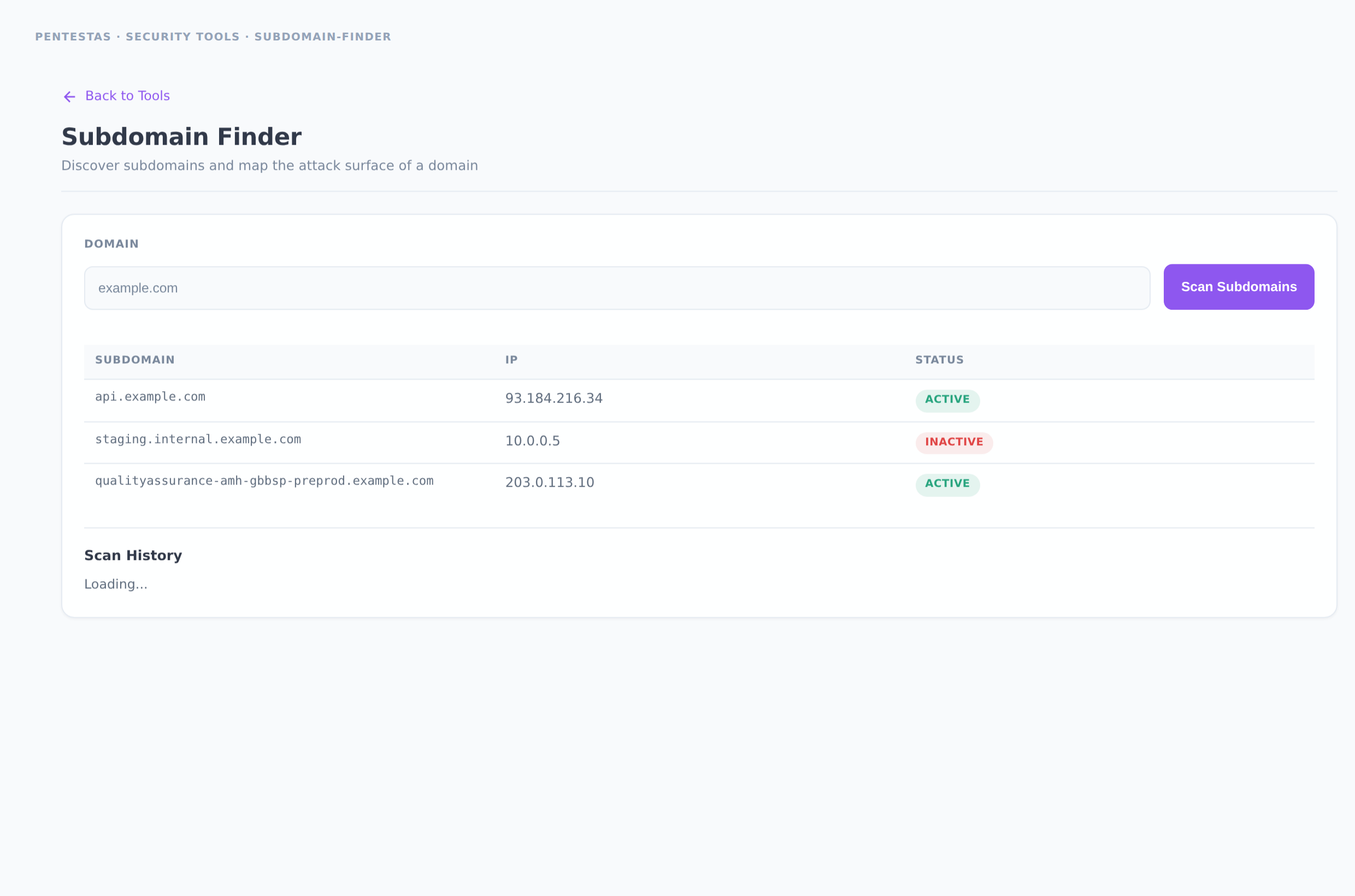
Category: Network recon
Enumerates hostnames under a root domain using certificate transparency, passive DNS, and targeted DNS brute-force. Resolves each hit, checks liveness over HTTP(S), and surfaces dead / takeover-prone names.
Inputs
Apex domain (example.com). No scheme required.
How to run it
- Open Security tools → Subdomain Finder (or go to
/tool-subdomain-finder). - Enter the root domain and click Scan Subdomains.
- Review the table: subdomain, IP, live/dead status, and discovery source.
- Export or feed live hosts into a full web scan or subdomain enumeration engagement scan for deeper coverage.
Output
List of {subdomain, ip, alive, status, source}. Public free-tool runs are rate-limited; signed-in users get higher limits and history.
Notes
- Wildcard DNS is filtered so synthetic labels do not flood results.
- This is the lightweight tool path. For WAF fingerprint + port enrichment + takeover checks as a first-class scan type, use Subdomain enumeration.
- Only scan domains you are authorized to assess.
Related
- /scans/subdomain-enumeration/
- /tools/dns-lookup/
- /tools/waf-detector/
← Back to Security tools overview