Server Scanner
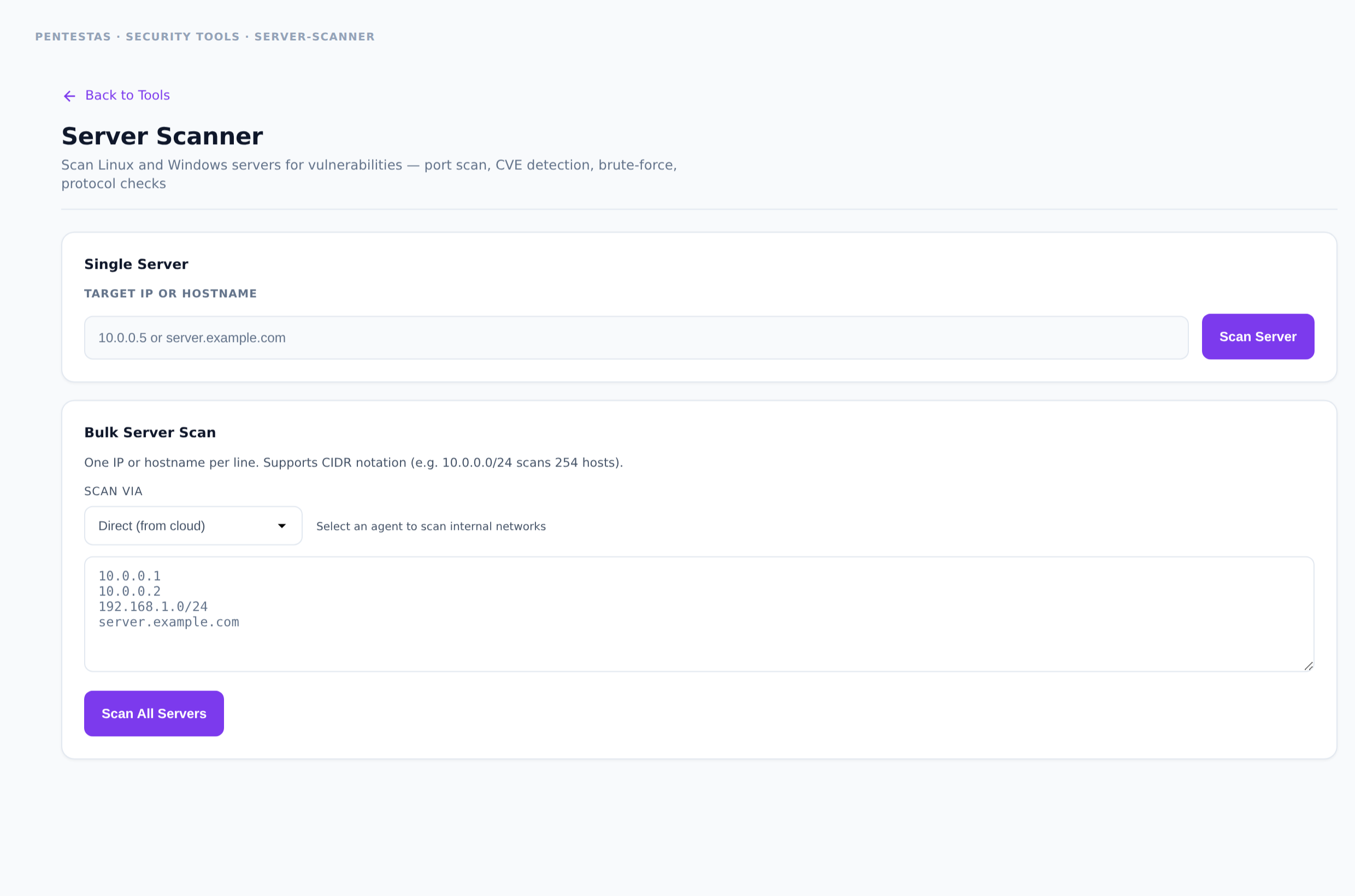
Category: Network / host
Combines port discovery with service/version checks, known CVE hints, and selected protocol hygiene tests for a single host.
Inputs
Hostname or IP.
How to run it
- Open Security tools → Server Scanner.
- Enter host → run.
- Patch or firewall high-severity service findings first.
Output
Open ports, service IDs, CVE/version hits, protocol notes.
Notes
- Not a substitute for authenticated patch-management inventory — it is external/host-facing recon.
Related
- /tools/port-scanner/
- /scans/network-scan/
← Back to Security tools overview