Azure subscription scan
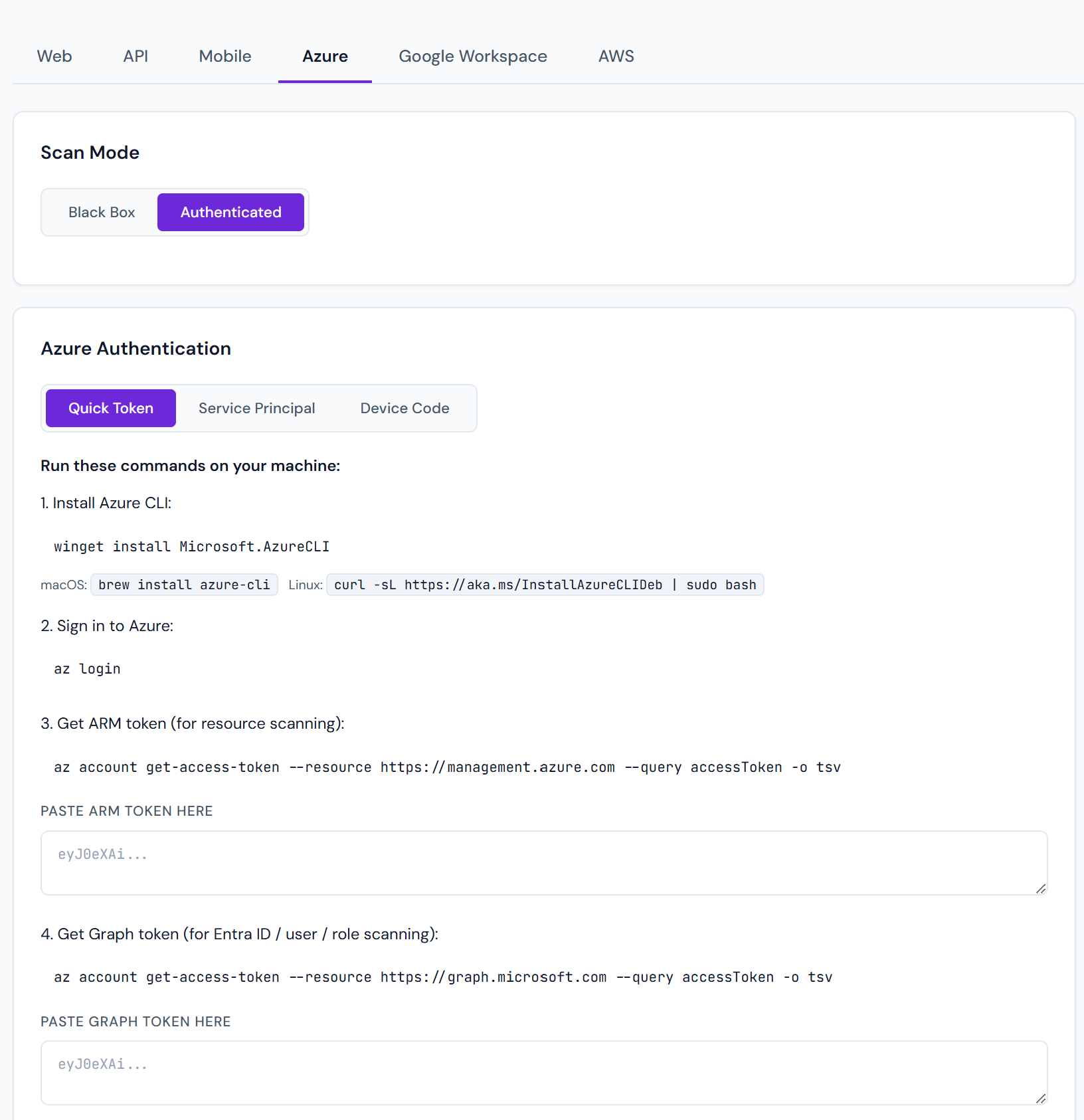
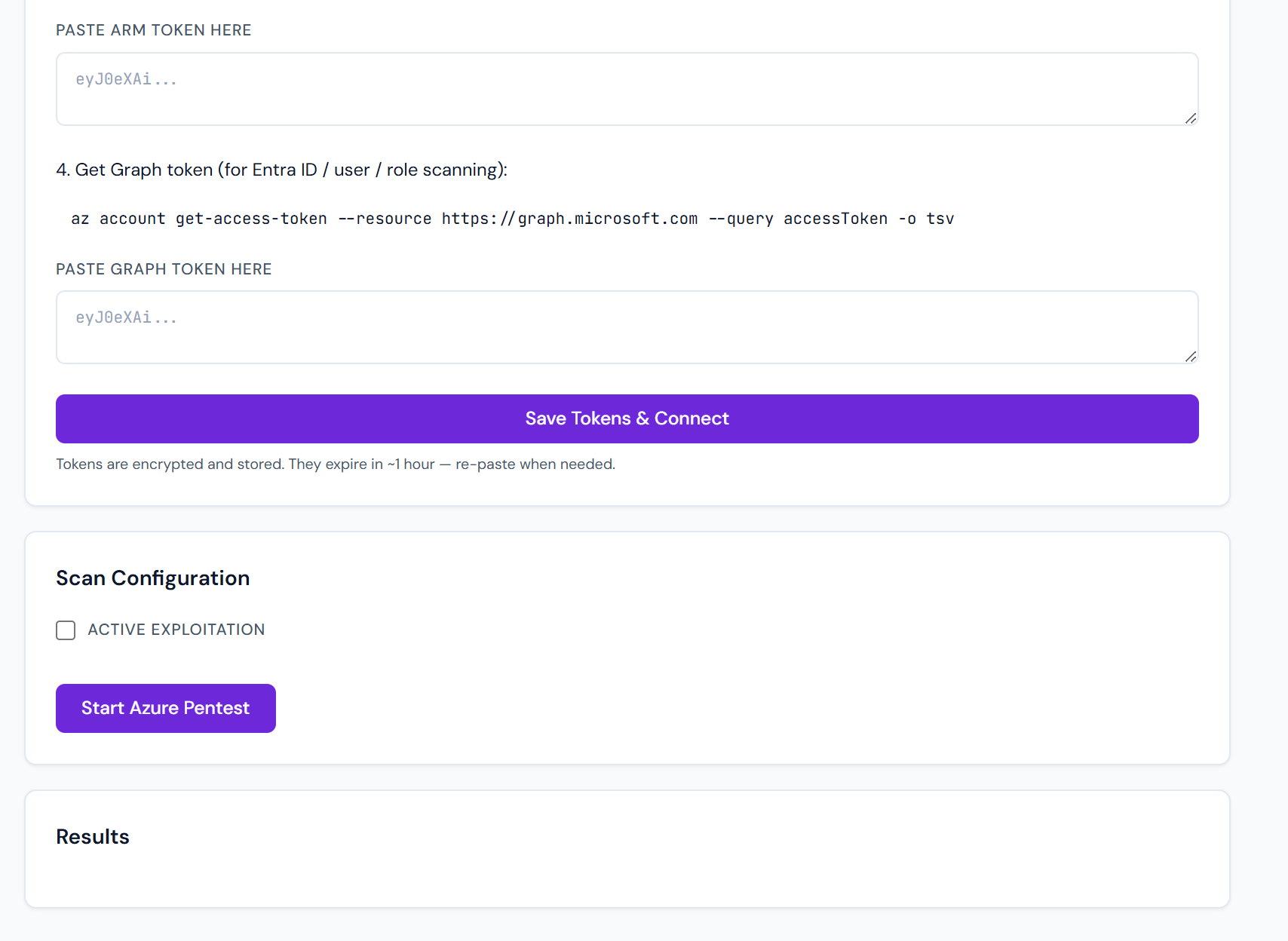
Point Pentestas at an Azure subscription (via a read-only Service Principal or device-code flow) and it audits the config for security misconfigurations across the whole tenant.
Domain-only black-box recon (no subscription)
You do not always need a Service Principal. From a hybrid web scan, the AI workbench can run Azure black-box recon against the target’s public domain only (tenant discovery, federation / hybrid signals, public service fingerprints). That path is explicitly recon_only — no password spray. See Multi-surface pivot.
For full CIS / IAM / Key Vault depth, use the authenticated subscription scan below.
What it checks
| Area | Checks |
|---|---|
| IAM | Over-privileged role assignments, service principals with Owner/Contributor, MFA-disabled users, legacy protocols |
| Networking | NSG rules allowing 0.0.0.0/0 to sensitive ports, unrestricted outbound, public IP density |
| Key Vault | Soft-delete disabled, purge protection off, access policies vs RBAC, expired secrets, certificate rotation |
| Storage | Blob public access, secure transfer required, minimum TLS, firewall rules, diagnostic logs |
| App Service | HTTPS-only, TLS min version, managed identity usage, FTP deploy open, authentication settings |
| Compute / VMs | OS patch level, diagnostics agent, disk encryption, unmanaged disks |
| Entra ID (AAD) | Guest user density, stale accounts, risky sign-ins, conditional access gaps, privileged role activation history |
| Monitor / Sentinel | Activity log retention, analytics workspace linkage |
Credentials
Three ways to authenticate:
1. Service Principal (recommended)
Create an SP with the built-in Reader role over the subscription. Paste:
- Tenant ID
- Client ID (Application ID)
- Client secret or certificate
Pentestas encrypts the credential per-tenant and never reuses it across scans.
2. Managed Identity
If Pentestas is running inside your Azure environment (Enterprise BYO-deployment), it can use the Managed Identity attached to the compute — zero credentials stored.
3. Device code
One-shot scan where the user authenticates interactively. The resulting token has a 1-hour life; expires before the scan can run again.
What the SP needs
Reader over the target subscription is the floor. For deeper inspection:
- Security Reader — to query Azure Defender alerts
- AuditLog.Read.All + IdentityRiskyUser.Read.All on the AAD side — for Entra risky-sign-in checks
- Monitoring Reader — for diagnostic settings visibility
Pentestas will degrade gracefully: every finding that requires a permission we don't have is skipped (and a note appears in the scan log).
Output
Findings use the standard shape, with two Azure-specific enrichments:
- Resource ID — full
/subscriptions/.../resourceGroups/.../providers/…path so you can pivot to the portal. - Remediation ARM/Bicep snippet — paste-ready template to fix the issue.
See also
- Google Workspace scan — same idea for GWS.
- Cloud storage scan — for cross-cloud bucket enumeration without credentials.