Port Scanner
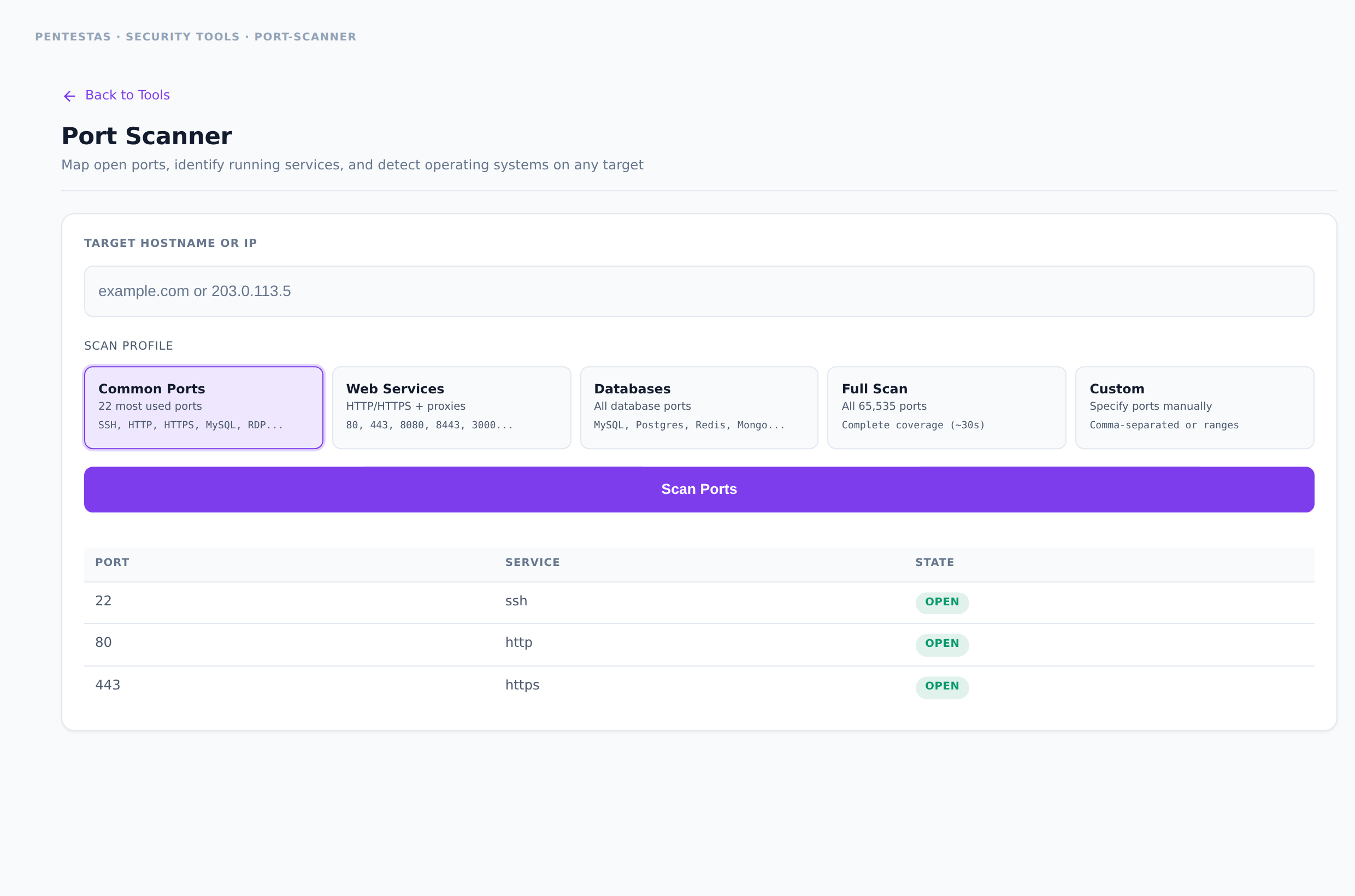
Category: Network recon
TCP port scan against a hostname or IP. Common-ports preset or a custom list. Returns open/closed/filtered state and best-effort service identification.
Inputs
Hostname or IP. Optional port list or common-ports mode.
How to run it
- Open Security tools → Port Scanner.
- Enter target host or IP.
- Choose common ports or paste a custom list.
- Run the scan and review open services.
Output
Rows of {port, service, state} with optional banners when available.
Notes
- Prefer staging / authorized targets. Aggressive full-range scans may trip IDS/WAF rate limits.
- For full server CVE + protocol checks, see Server Scanner.
Related
- /tools/server-scanner/
- /scans/network-scan/
- /tools/waf-detector/
← Back to Security tools overview