DNS Lookup
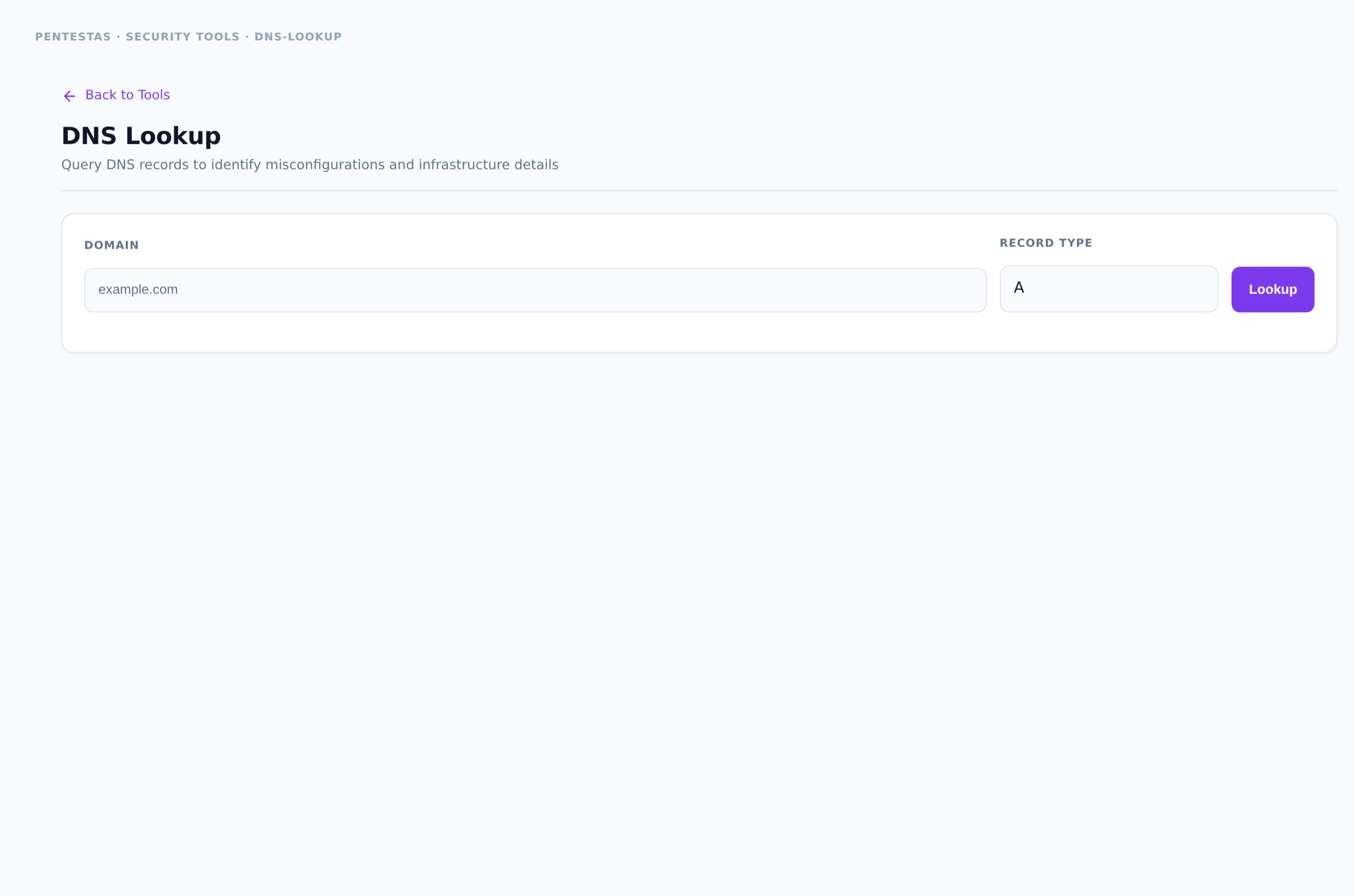
Category: DNS
Looks up common record types (A, AAAA, MX, TXT, NS, CNAME, SOA, and more) for a name.
Inputs
Hostname or domain.
How to run it
- Open Security tools → DNS Lookup.
- Enter name → run.
- Inspect records for SPF/DMARC, unexpected CNAMEs, dual-stack.
Output
Per-type record values.
Notes
- For posture checks beyond raw records, use DNS Surface Audit.
Related
- /tools/dns-audit/
- /tools/dns-infra/
- /tools/subdomain-finder/
← Back to Security tools overview