SSL/TLS Scanner
Category: Network recon
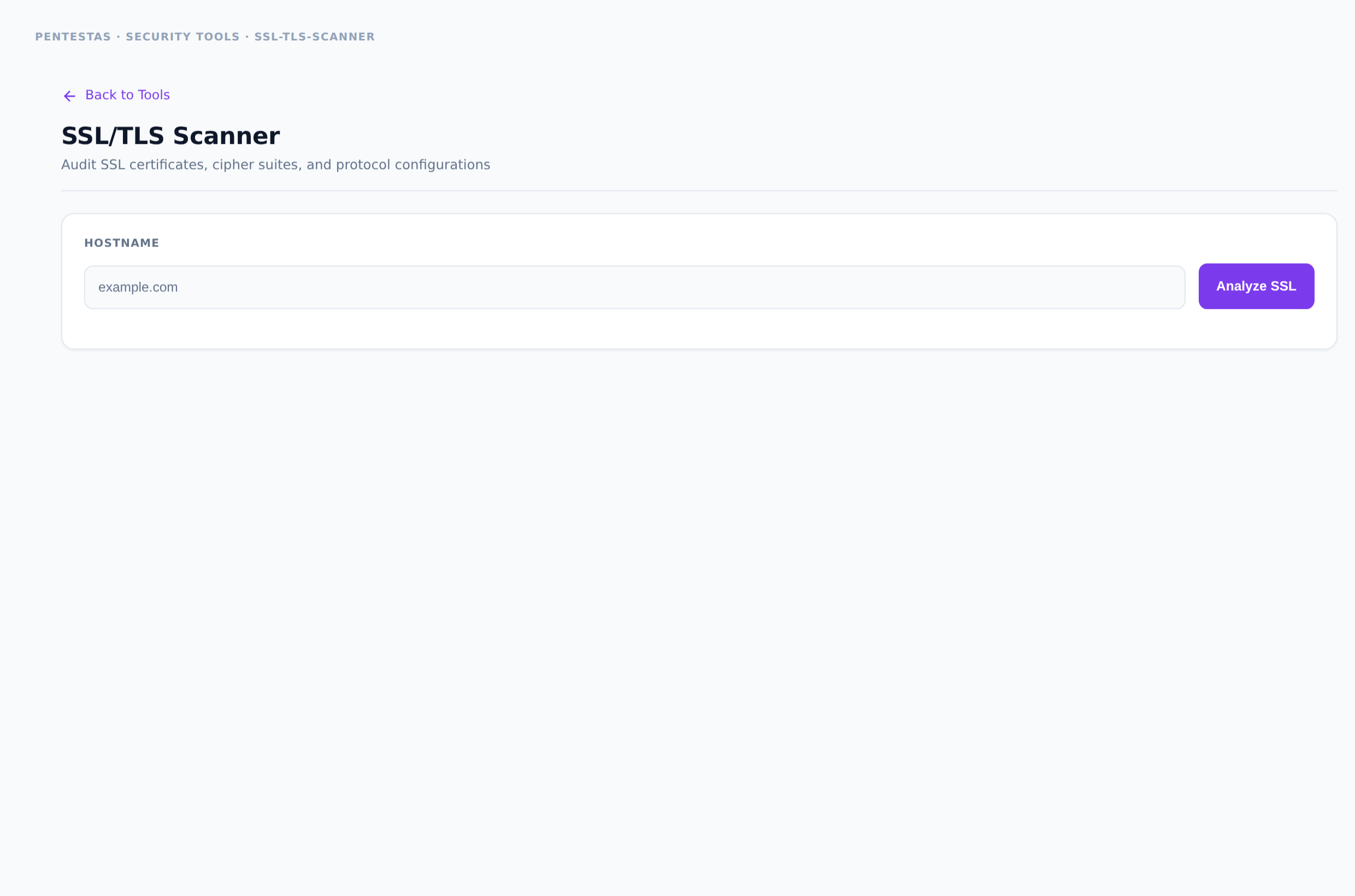
Connects to the target's TLS endpoint and reports certificate chain validity, expiry, hostname match, protocol versions (TLS 1.0–1.3), weak ciphers, and common misconfigurations.
Inputs
Hostname (optionally with port, default 443).
How to run it
- Open Security tools → SSL/TLS Scanner.
- Enter host (and port if not 443).
- Run and review certificate + protocol findings.
Output
Certificate subject/issuer/SAN/expiry, protocol support matrix, weak cipher warnings.
Notes
- Expired or wrong-host certs are common questionnaire failures — fix before auditors ask.
Related
- /tools/whois-lookup/
- /tools/dns-lookup/
← Back to Security tools overview