Scans overview
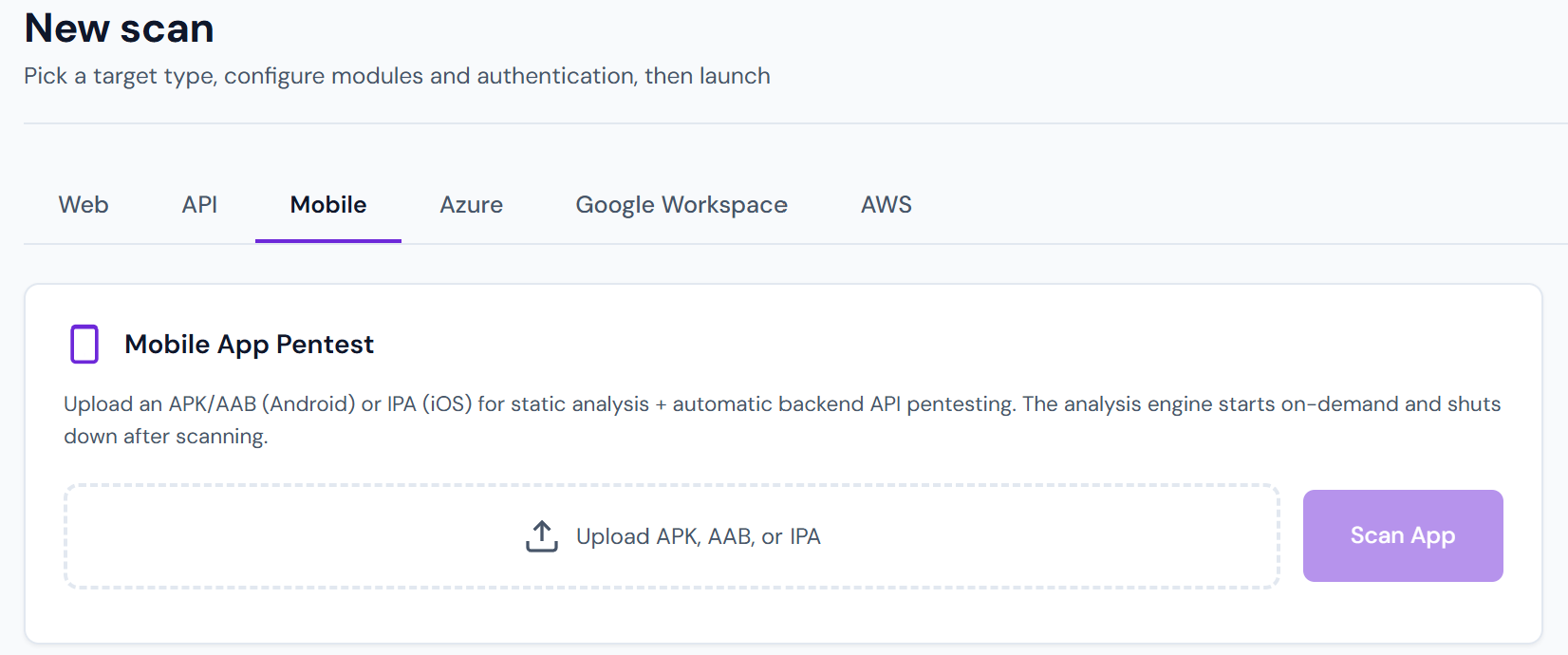
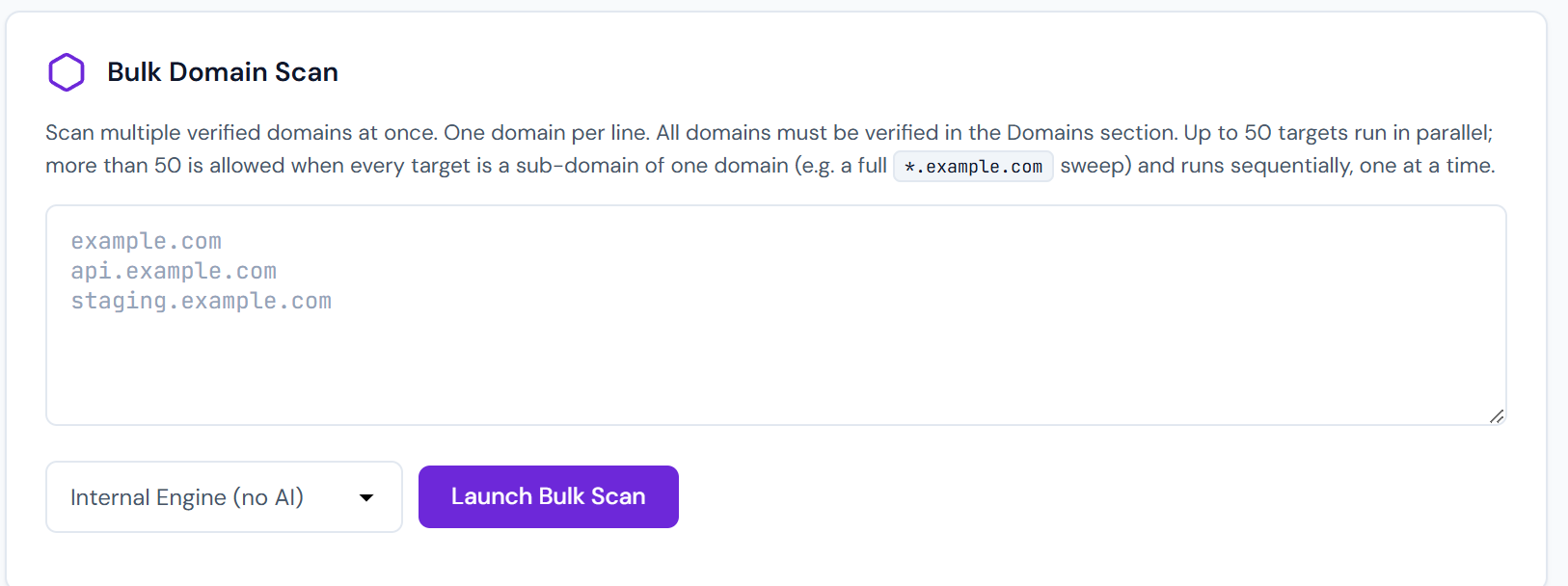
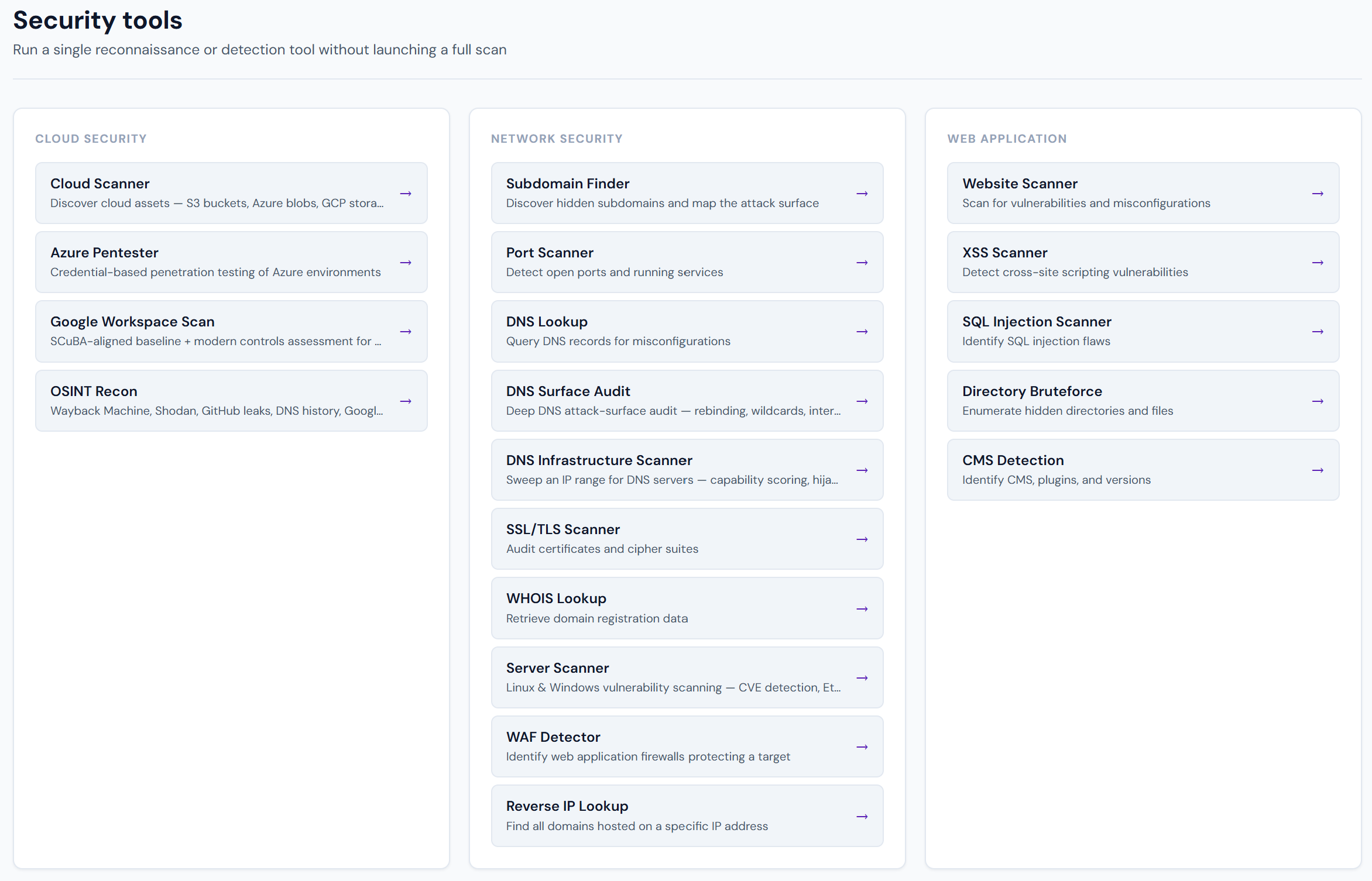
Pentestas runs six scan families. Pick the one that matches your target — or combine several in a single scan.
| Scan family | Target shape | When to use |
|---|---|---|
| Web application | Browser-facing app at https://… |
App pentesting, OWASP Top 10 coverage |
| API | REST/GraphQL/gRPC/SOAP endpoints | You have an OpenAPI/Postman collection |
| Network / server | Hosts, IP ranges, subnets | Perimeter audit, open-port review |
| Cloud storage | S3 / Azure Blob / GCS buckets | Bucket enumeration + public ACL audit |
| Azure subscription | Azure tenant with read-only SP | IAM, roles, NSGs, Key Vault, Storage, App Service |
| Google Workspace | GWS domain with admin SDK access | Users, groups, DLP, retention, OAuth apps |
| Subdomain enumeration | Bare domain | Attack surface discovery across a zone |
Engine modes (web / API)
Web and API scans pick a scan mode under Advanced options:
| UI | What runs |
|---|---|
| Internal Engine | Deterministic modules + Accuracy Gate only |
| + AI assist (hybrid) | Full modules + AI narratives + workbench agent on HIGH/CRITICAL leads |
| Autonomous | Experimental Claude-driven engagement |
See Scan modes. While a scan runs, operator hints let you focus/skip paths, retest modules, or force a workbench turn.
A hybrid web scan can also pivot into Entra/Azure black-box recon (no spray) or AWS when credentials are already on the scan.
How scans are triggered
From the UI
Dashboard → New scan. Fill in target + scan types, submit. See Your first scan.
From the API
curl -X POST https://app.pentestas.com/api/scans \
  -H "X-API-Key: aa_YOUR_KEY" \
  -H "Content-Type: application/json" \
  -d '{"target_url":"https://app.example.com","scan_types":["web","api"]}'
See Scans API.
From an agent
If you have a local agent installed, scans can be dispatched to the agent (so the traffic originates from inside your network). See Agents overview.
From CI
Trigger on every merge to main. See Webhooks and the API reference.
From a browser session (Pro+)
With the Windows .NET agent, every URL you browse becomes a candidate scan target automatically. Scan-as-you-browse.
Scan lifecycle
pending → running → completed  (happy path)
                 ↘ failed      (crash / timeout / auth rejected)
                 ↘ cancelled   (user requested stop)
Each phase transition emits an event on the scan's live channel. The Scan detail page subscribes and updates in real time.
Concurrency
Plans cap concurrent scans:
| Plan | Max concurrent |
|---|---|
| Free | 1 |
| Pro | 5 |
| Enterprise | Negotiated (typical 25–100) |
If you try to start a 6th scan on Pro, the API returns 429 Too Many Concurrent Scans. Either wait for an existing scan to finish, or upgrade.
Scheduling
Scans can be scheduled (daily / weekly / monthly / cron). Scans → Schedule → New. Results are delivered via webhook or Slack — typical setup is "re-scan production every Monday at 6am, post findings to #secops". See Scheduled reports.
Storage + retention
- All findings encrypted at rest with a per-tenant Fernet key.
- Scan history retained for 365 days on Free, 3 years on Pro, unlimited on Enterprise.
- Reports live in object storage; link format is tenant-scoped and tamper-evident.
- Deleting a scan purges findings + reports immediately (cascade delete at the DB level).
Performance guidance
- Scans scale roughly with crawled URLs × enabled modules. A 500-URL app with all scan types enabled takes 30–90 minutes.
- Rate limits are automatic: Pentestas backs off if it sees 429s or WAF challenges, so you can scan production without taking it down.
- For hard-real-time SLAs, set Advanced → Max concurrent requests to match what your app can handle.
Next
- Web application scan
- API scan
- Authenticated scans — scan behind the login page
- Manual testing tools — HTTP history, Forge, Volley, OAST
- Scan modes — Internal Engine vs + AI assist