Google Workspace Scan
Category: Cloud / SaaS
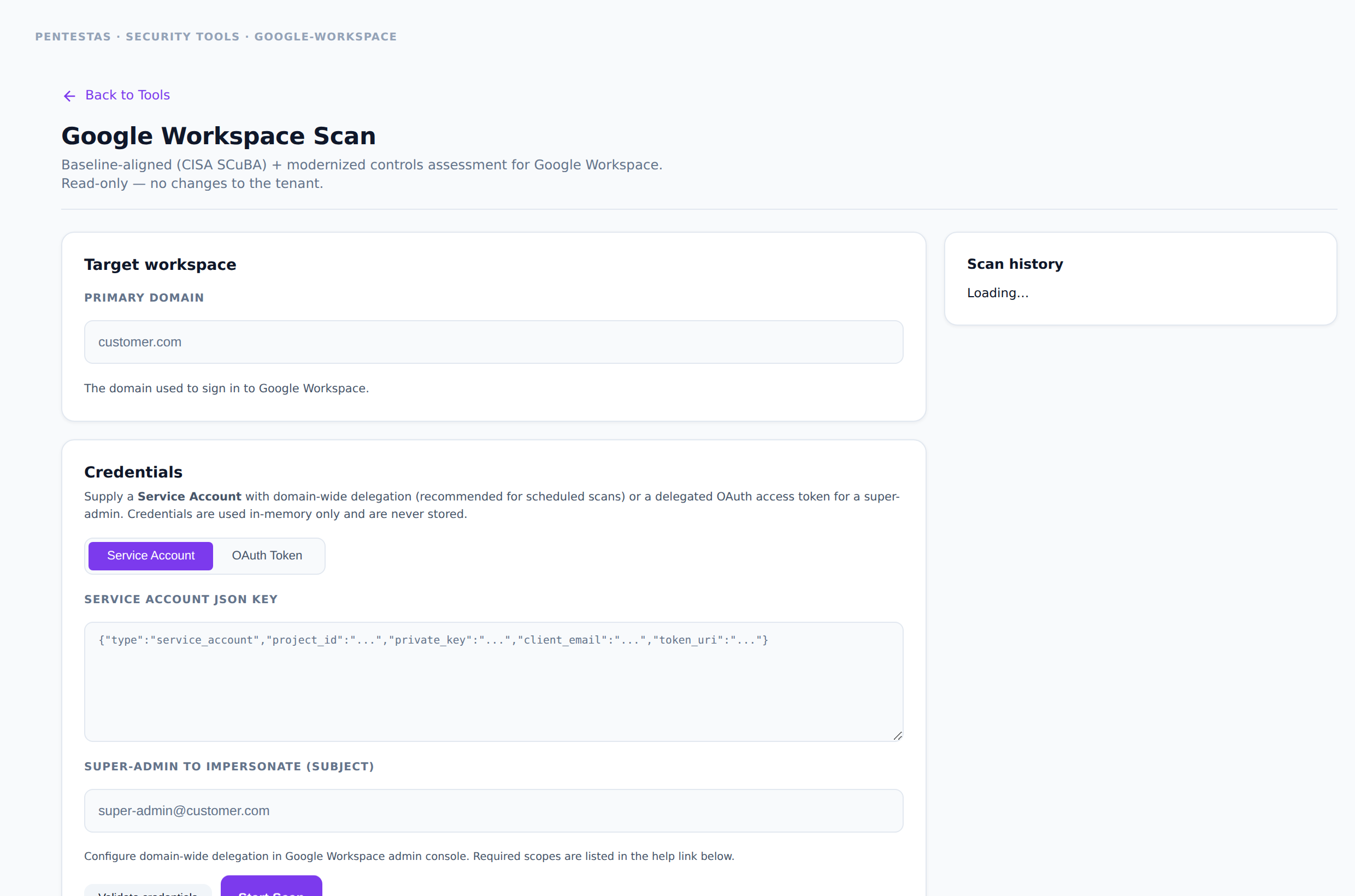
Baselines a Google Workspace tenant with modernized controls (CISA SCuBA lineage). Read-only — does not change the tenant.
Inputs
Service account with domain-wide delegation (or OAuth admin token) as prompted in-product.
How to run it
- Open Security tools → Google Workspace or New scan → Google Workspace.
- Connect credentials as documented in the UI.
- Export the control results for your compliance pack.
Output
Control pass/fail with evidence references.
Notes
- Full guide: Google Workspace.
Related
- /scans/google-workspace/
- /scans/cloud-scan/
← Back to Security tools overview